
The Pebble App
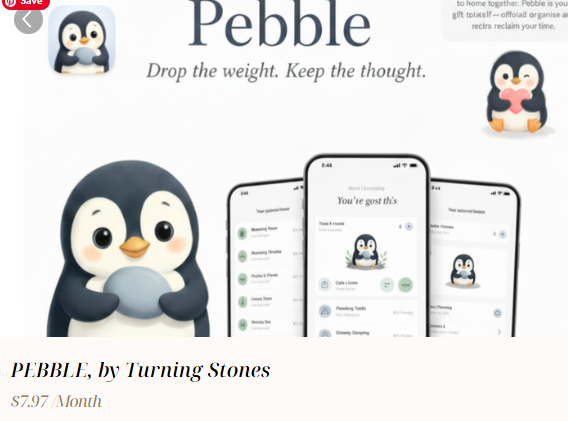
Drop the weight. Keep the thought.
Pebble is the wellness companion built for women who carry everything. One small daily space for voice journaling, energy-aware tasks, and putting yourself back on the calendar.
What you get
A small app for a big reset
Voice journaling
Hands-free reflection for emotional regulation and clarity, especially on the days when you have no words left.
Prompted journaling
Guided prompts for self-growth, on the days the words don't come on their own.
Tasks with folders
Productivity and structure without the spreadsheet feel. Organize what matters without making it another job.
Energy-based priorities
Match what you do to what you actually have to give. No more pretending you have 100% battery when you have 12%.
Built-in calendar
Plan, schedule, and protect your time, including 'me time' without guilt.
Delegate by email or text
Hand off the things that aren't yours to carry. One small action that frees up a lot of room.
Subscribe to Pebble
Start setting it down today
$7.97/month. No setup call required. Your welcome email will include your personal link to open the Pebble app.
Install on your phone
Add Pebble to your home screen
Open the app from your welcome email first, then follow the steps for your phone. Once it’s on your home screen, Pebble opens like any other app.
Tip: If your phone shows an “Install app” prompt, tap it. That’s the fastest way to add Pebble.
iPhone or iPad
- 1
Open Pebble in Safari
Tap your personal link in the welcome email so the app loads in Safari.
- 2
Tap the Share button
Look for the square-with-arrow icon at the bottom of Safari (or top on iPad).
- 3
Choose “Add to Home Screen”
Tap it, then tap Add in the top corner. The Pebble icon appears on your home screen.
Android
- 1
Open Pebble in Chrome
Tap your personal link in the welcome email so the app loads in Chrome.
- 2
Tap the menu
Look for the three dots in the top-right corner of Chrome.
- 3
Choose “Add to Home screen”
Tap it, then tap Add. The Pebble icon appears on your home screen or app drawer.
Only works after you subscribe. New subscribers receive the access link by email.
Still curious?
Frequently asked questions
One small Pebble. A lighter way forward.
Subscribe today and start putting yourself back on the calendar, one tiny, wise prompt at a time.